




Already have CES solar panels?

How can we help?

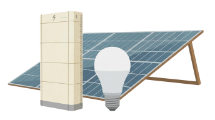
Solar panel graphic

I'm already a CES customer

Help with your current CES account, bill, payments, solar panels or battery.  

Battery icon

I want to add a battery

Already have CES solar panels? Find out if you can add a battery and save more. 

A circular ring of radiating lines transitioning in colour from teal at the top to yellow-green at the bottom, forming a decorative sunburst halo shape on a transparent background.

I'm new to the scheme

Find out if you can join the Community Energy Scheme and get solar panels and a battery. 

 
A lady sitting and looking at her phone

Understanding your CES bill 

Your home may use electricity from two places. 

Solar electricity icon
Solar electricity bill

The Community Energy Scheme may send you a bill for electricity supplied through your solar panels and battery.

Grid electicity icon
Grid electricity bill

Your supplier will still bill you for any additional electricity you use from the grid.

Info icon

You do not pay twice for the same electricity.

You can change your electricity supplier if you want to. Your Community Energy Scheme agreement stays in place. The scheme is designed to help you pay less overall than buying all your electricity from your usual supplier. Your exact savings will depend on your home, your energy use and your agreement.

Ready to pay your bill? 

You can pay your CES bill by

dd-icon Direct Debit
phone-icon Phone
icon-link-1 Secure payment link
icon-bank Bank transfer
icon-cheque Cheque

Please have your bill or customer reference number ready. 

moving-home-img

Moving home?

  • Please tell us before you move.
  • Your solar panels and battery stay with the property.
  • If you have a battery agreement, please give us 30 days’ notice before you move.
  • We’ll explain what happens next and help make the process clear.
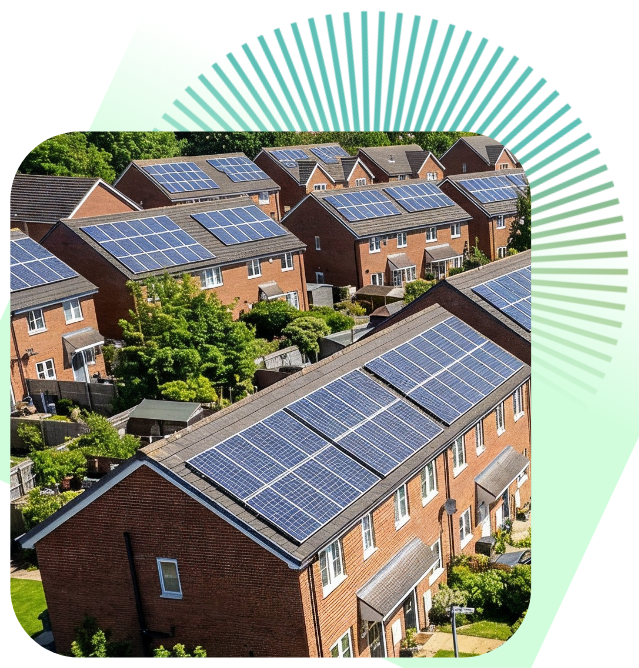
Homes with solar panels in a residential area.

SUPPORT

Something not working? 

Icon of a solar panel on a stand, set within a teal and yellow-green sunburst circle, on a dark navy background.

Solar panels 

Icon of a full battery, set within a teal and yellow-green sunburst circle, on a dark navy background.

Batteries 

Icon of an electrical meter displaying '12V', set within a teal and yellow-green sunburst circle, on a dark navy background.

Meters 

Icon of a document with lines of text, set within a teal and yellow-green sunburst circle, on a dark navy background.

Bills 

Icon of a credit or payment card, set within a teal and yellow-green sunburst circle, on a dark navy background.

Payments 

Icon of a light bulb with a leaf symbol inside, set within a teal and yellow-green sunburst circle, on a dark navy background.

LED bulbs  

If your system stops working, we may be able to help you reset it over the phone. 

If there is a power cut, your solar system may shut down for safety. It should restart when the power comes back on. 

Please do not try to repair solar panels, batteries, meters or electrical equipment yourself. 

Call: 01782 438 427 
Email: stoke@communityenergyscheme.com 

Need extra support?

Some customers may need extra help. 

This could be because of:  

yellow-tick-icon
a disability
yellow-tick-icon
a health condition
yellow-tick-icon
communication needs
yellow-tick-icon
language needs
yellow-tick-icon
personal circumstances
Tell us what support you need. We are listening and we want to help.

Need help using this website? Click the Accessibility button in the top right-hand corner of the page to translate the website, have the text read aloud or make the text larger.

FAQs

Common payment questions 

Want to learn more?