
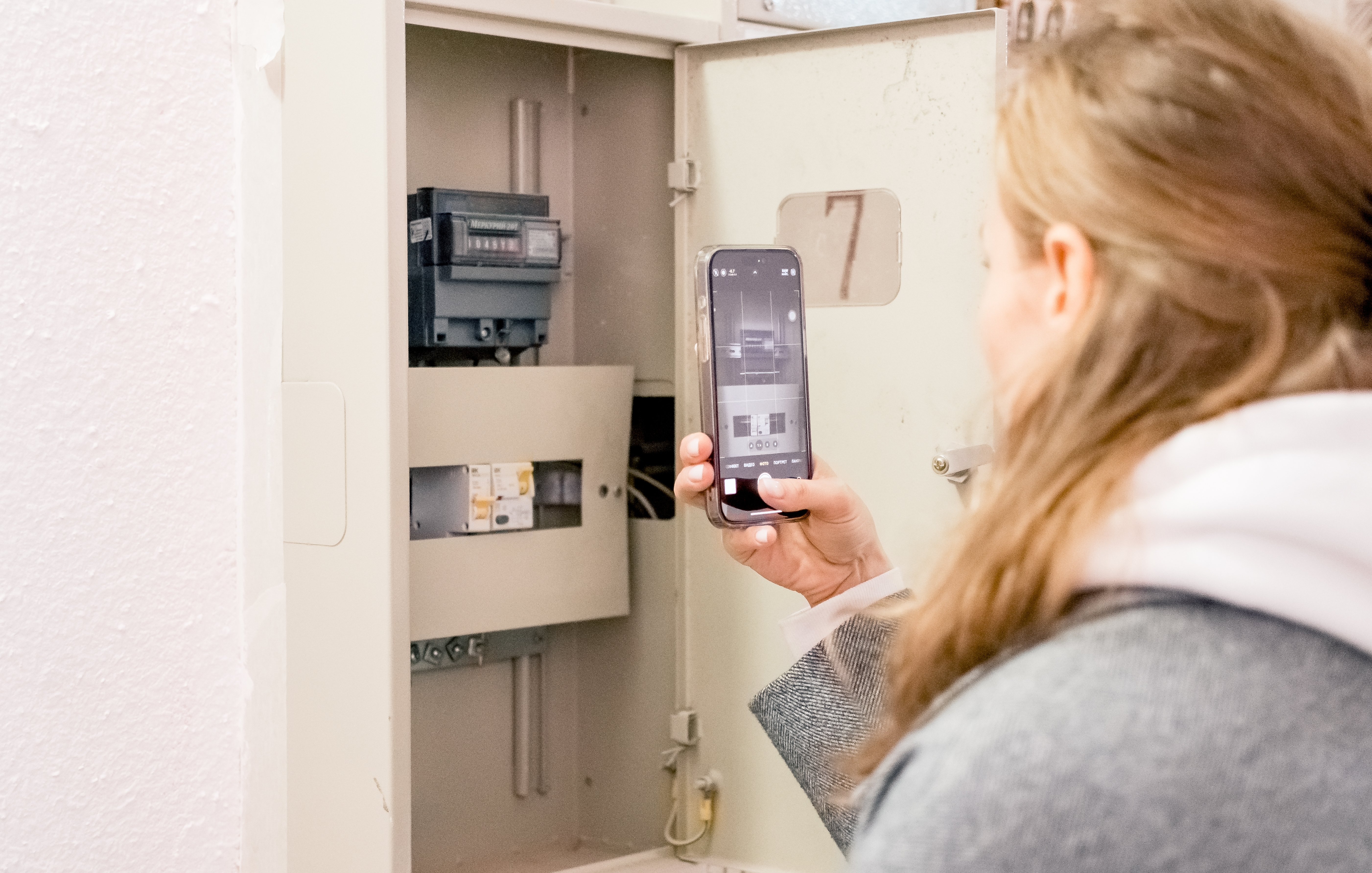
If your home has CES solar panels, there may be more than one electricity meter at the property.
The meters measure different things. Choosing the right one helps the correct company bill you for the electricity it supplies.
This guide explains which meter is which, how to check before sending a reading, and where to get help if you are unsure.
First, Check Who Asked for the Reading
If your usual electricity supplier asked for a reading, it normally needs the reading from the grid electricity meter linked to your supplier account. This is the meter for electricity drawn from the grid.
If CES asked for a reading, follow the CES request and use the relevant CES solar meter reading.
Why There May Be More Than One Meter
Your usual electricity supplier bills you for electricity drawn from the grid. CES bills you for electricity supplied through the scheme.
The CES meter records three things: the electricity your solar panels generate, the solar electricity used in your home, and the solar electricity that is not used and goes back to the grid.
These are separate supplies and measurements. You are not paying twice for the same electricity. You can find more information on the CES Help and Support page.
Match the Meter Before You Read It
Start with the electricity bill or reading request from your usual supplier. Find the meter serial number shown there.
Then find the serial number printed on the physical meter. The serial number identifies the meter. It is different from the changing usage figure shown on the display.
Match the two numbers. This is the clearest way to avoid using the CES solar meter by mistake.
If the serial number does not match, stop and check with the company asking for the reading. Do not guess which meter to use.
If possible, take one clear photo showing both the meter display and the serial number. Keep the photo until your next bill arrives.
Record the Number Shown on the Meter
Once you have confirmed the right meter, note the electricity reading shown in kilowatt-hours (kWh). Record the whole-number digits; leave out any digits after a decimal point.
Some meters have more than one screen or rate. Buttons and labels vary between meters, so use the instructions from your usual electricity supplier for that exact meter. Do not guess which screen or rate is needed.
A smart meter may normally send readings automatically. If your supplier has asked for a manual reading, follow its instructions.
Before you submit the reading, check:
- The right company asked for it.
- The meter serial number matches.
- You used the right display or rate.
- You copied the whole numbers.
- You took a photo, if possible.
Submit It to the Right Company
A grid electricity reading goes to your usual electricity supplier, using the route it gives you. This may be your online account, app, or phone service.
A CES reading or query goes to CES. Do not assume that one reading should be sent to both companies. Send it to the company that asked for it.
You can also watch the CES meter-reading video for help with the scheme’s meter.
Need Help With Your Meter?
CES can help with the scheme’s solar meter or a CES bill. For questions about the grid meter or grid bill, contact your usual electricity supplier.
Comments